serp.fast

Browse.ai

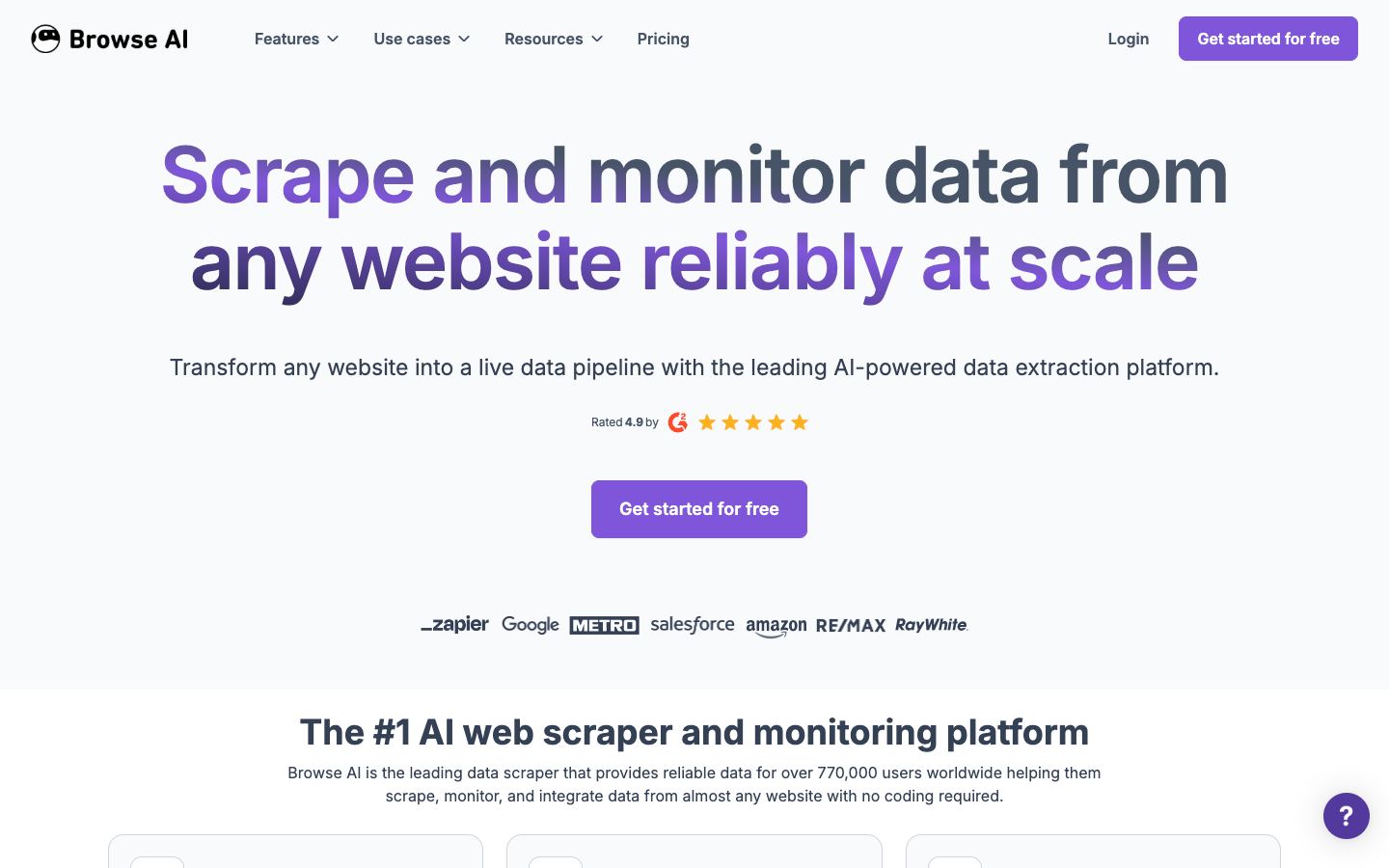
No-code web scraper that trains point-and-click robots to extract, monitor, and integrate data from almost any site, with 250+ prebuilt templates.

Nathan Kessler
By Nathan KesslerUpdated

Each tool is evaluated against our methodology using public docs, vendor demos, and hands-on testing.

Agentic extraction tools use AI models (often vision-language models) to autonomously understand and interact with web pages. Instead of writing CSS selectors or XPath queries, you describe what data you want in natural language and the AI figures out how to get it. This approach is more resilient to website changes and can handle complex, multi-step extraction workflows.

Some links on this page are affiliate links. We earn a commission if you sign up – at no additional cost to you. Our editorial assessment is independent and never paid. How we review.

Features

JS Rendering
Structured Output
Open Source
Self-Hosted Option
Pricing:FreemiumSee pricing →

Editorial assessment

Browse.ai lowers the bar for non-developers who need web data. You train a robot by hovering and clicking the elements you want, and the robot can navigate, scroll, fill forms, and log in before it captures anything. Two things set it apart from a generic scraper: 250+ prebuilt robots for sites like Amazon, LinkedIn, and Google Maps, and built-in change monitoring that re-runs on a schedule and emails alerts highlighting what was added, changed, or removed. Output lands in a structured table you export as CSV or JSON, and it connects to 7,000+ apps through Google Sheets, Airtable, Zapier, Make, webhooks, and a REST API. The constraint is the credit model. One credit pulls up to 10 rows or one screenshot, and protected or heavily paginated pages burn several credits per run, so cost is hard to predict before you build. Reviews split sharply by platform: G2 and Capterra rate it highly, but its Trustpilot score sits at 2.7 out of 5, and recurring complaints cite robots that break on layout changes despite the AI-adaptation pitch, plus trouble with CAPTCHA, iframes, and some JavaScript-heavy sites. It is a hosted, closed-source SaaS with no self-host path. Best for non-technical marketing, ops, or real-estate teams running price and competitor monitoring on stable-structure sites at low-to-mid volume. If you need high-volume programmatic extraction, or you are comfortable writing code, a developer-first API will be cheaper and more controllable at scale.

How Browse.ai compares

Kadoa

Kadoa is another closed-source, no-code point-and-extract tool, but it auto-detects page structure to generate extraction logic instead of recording a robot click by click, and it positions toward finance and enterprise data teams.

parse.bot

parse.bot also extracts from plain-English instructions, but it is developer-oriented and its core output is turning a site into a persistent typed REST API endpoint rather than a scheduled monitoring robot.

Diffbot

Diffbot is the option for teams outgrowing a no-code UI: an API-first, computer-vision and knowledge-graph platform built for programmatic extraction at enterprise scale.

Frequently asked questions

How much does Browse.ai cost?

It uses freemium, credit-based pricing. The free plan includes 50 credits a month. Paid tiers start at $19 a month for Personal and $69 a month for Professional, both billed annually, with 12,000 and 60,000 credits a year respectively. The Premium tier targets enterprises and starts at $500 a month, billed annually, with custom limits and a dedicated account manager. Annual billing saves about 20 percent versus paying monthly.

Is Browse.ai free?

Yes, and the free tier is permanent rather than a time-limited trial. The Free plan costs $0 a month and includes 50 credits, 2 websites, 3 users, and unlimited robots, with no credit card required to sign up. One credit extracts up to 10 rows or captures one screenshot, so 50 credits is enough to evaluate the tool but tight for ongoing work. Protected or paginated pages cost more credits per run, so the free tier fits testing better than steady use.

Does Browse.ai render JavaScript?

Yes. Browse.ai renders JavaScript and works on dynamic and single-page sites, handling scroll, clicks, form fills, logins, and pagination through next buttons, load-more buttons, and infinite scroll. There is no separate proxy or browser setup to configure. Even so, reviewers report difficulty on some CAPTCHA-protected, iframe-based, or unusually heavy JavaScript pages, so test a robot on your actual target before relying on it.

What is Browse.ai used for?

Extracting and monitoring web data without code. You train point-and-click robots, or start from 250+ prebuilt templates for sites like Amazon, LinkedIn, and Google Maps, then schedule them to check for changes hourly, daily, weekly, or monthly with email alerts when data shifts. Output is a structured table you export as CSV or JSON, and it pushes into 7,000+ apps via Google Sheets, Airtable, Zapier, Make, webhooks, and a REST API. Common jobs are price tracking, competitor monitoring, and lead or listing collection.

How does Browse.ai compare to Kadoa?

Both are closed-source, hosted, no-code extraction tools in the agentic-extraction category, and neither is self-hostable. Browse.ai centers on visually recorded robots, scheduled change monitoring, and a deep integration catalog. Kadoa instead auto-detects page structure and generates the extraction logic for you, which trims setup, and it leans toward finance and enterprise data teams. Choose Browse.ai when the visual robot builder and integrations matter most, Kadoa when you want the AI to infer the schema.

What is the best alternative to Browse.ai?

It depends on the gap you are filling. parse.bot is the closest substitute if you want plain-English extraction that produces a persistent typed API endpoint rather than a monitoring robot, though it is aimed at developers. Diffbot suits teams needing API-first, computer-vision extraction at enterprise scale once a no-code UI stops scaling. Kadoa is the other no-code option, auto-detecting structure instead of recording clicks. Match the choice to whether you prioritize a typed API, programmatic scale, or hands-off setup.

Weekly briefing – tool launches, legal shifts, market data.

Visit

Browse.ai

Visit →