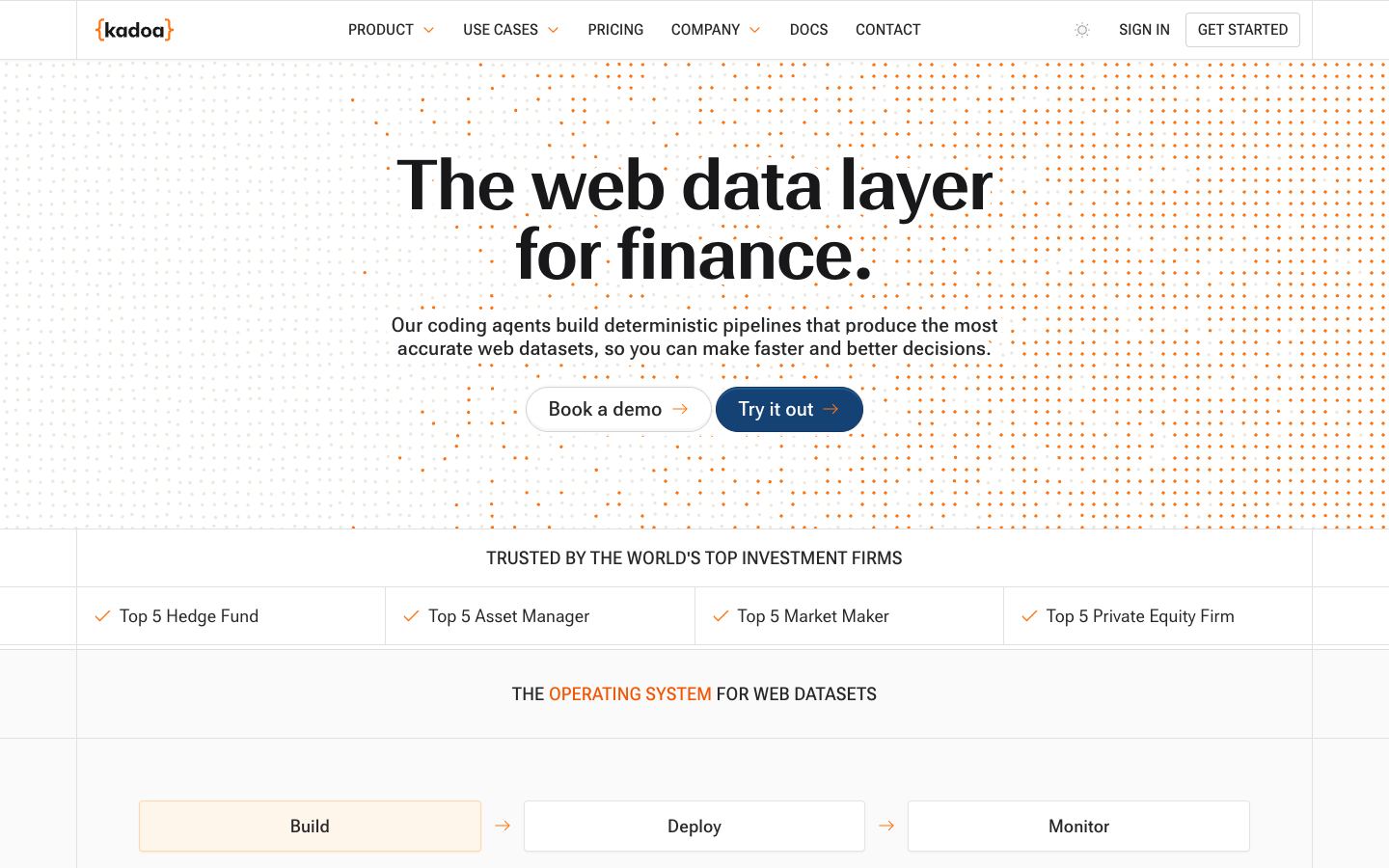
Kadoa is another closed-source, no-code point-and-extract tool, but it auto-detects page structure to generate extraction logic instead of recording a robot click by click, and it positions toward finance and enterprise data teams.
Browse.ai Alternatives

Some links on this page are affiliate links. We earn a commission if you sign up – at no additional cost to you. Our editorial assessment is independent and never paid. How we review.
Browse.ai is one of agentic extraction tracked in the serp.fast directory. This page covers what changes when you pick one of the alternatives below instead of Browse.ai. Agentic extraction tools differ most on how they handle layout drift, what models they use under the hood, and whether they bundle a managed runtime.
Looking at the 3 alternatives below relative to Browse.ai: 2 have a free or freemium tier you can validate without a sales call. The full Browse.ai review covers pricing, features, and editorial assessment in detail – this page is the lateral comparison.
The order below reflects fit for AI product teams, not a ranked-list verdict. Each alternative is reviewed independently in its own directory entry; the prose here summarizes the trade against Browse.ai specifically.
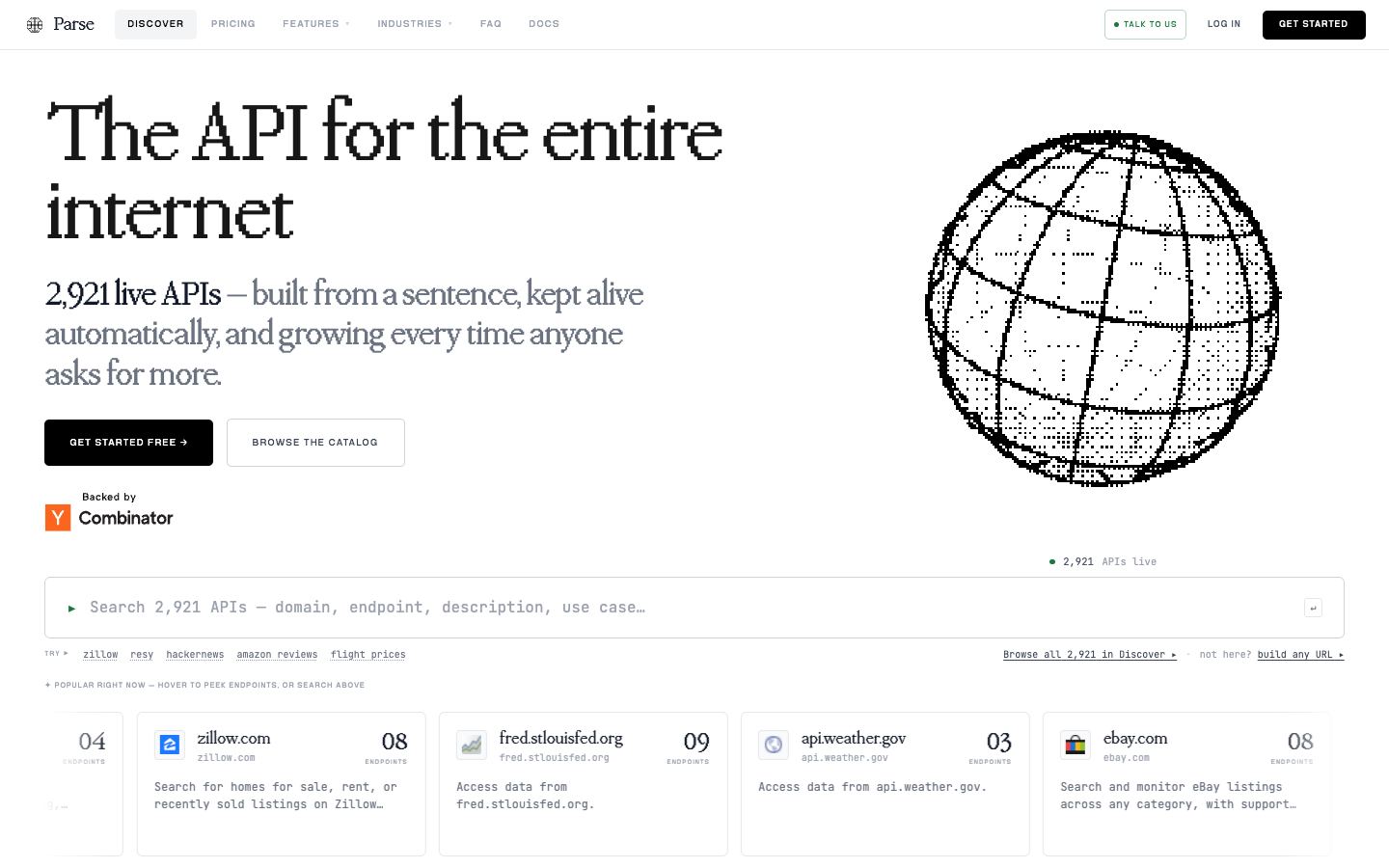
parse.bot also extracts from plain-English instructions, but it is developer-oriented and its core output is turning a site into a persistent typed REST API endpoint rather than a scheduled monitoring robot.
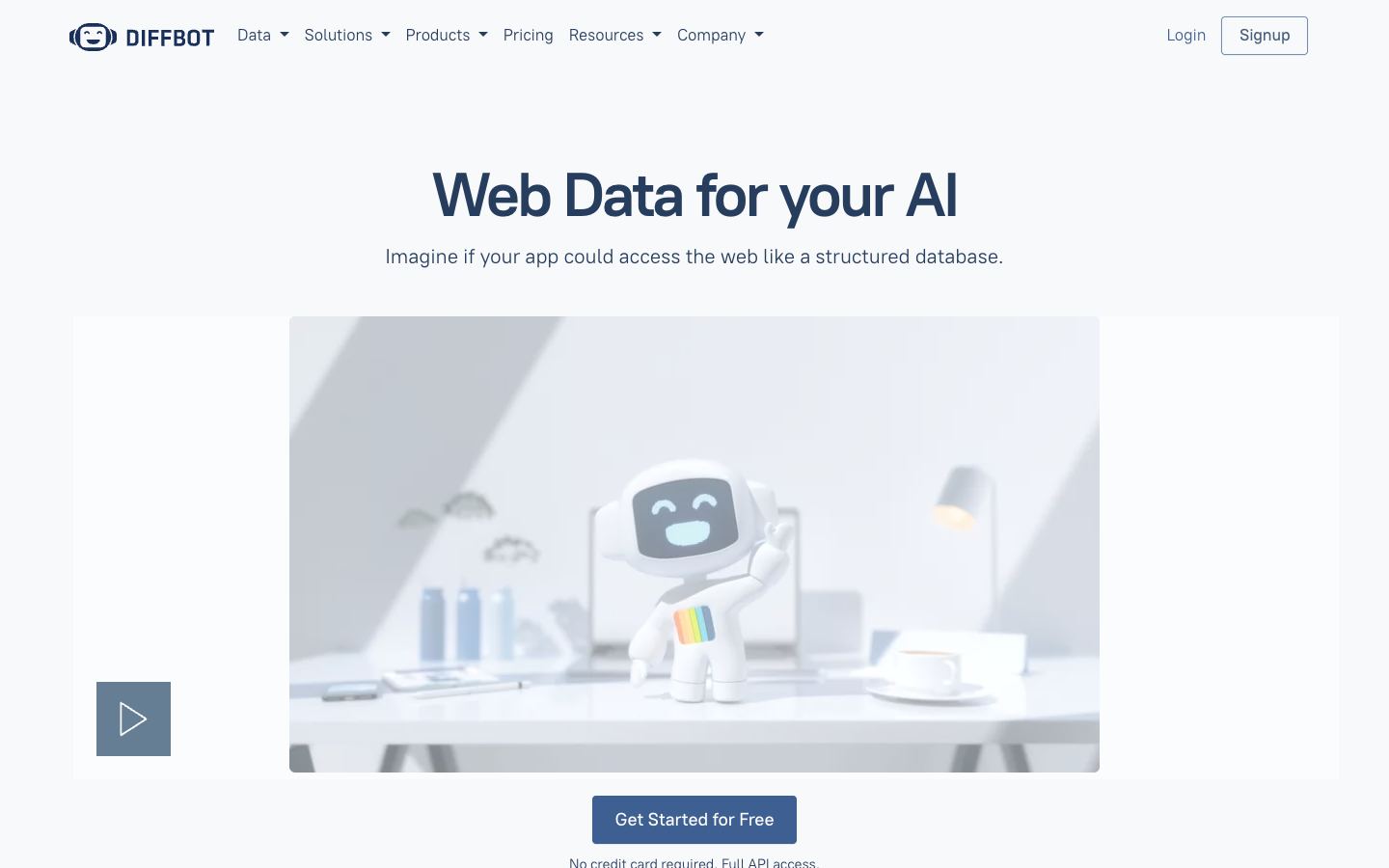
Diffbot is the option for teams outgrowing a no-code UI: an API-first, computer-vision and knowledge-graph platform built for programmatic extraction at enterprise scale.
How Browse.ai compares
The dimensions below summarise where Browse.ai sits versus the 3 alternatives on each axis that typically drives a switch decision.
- Every listed alternative is at Browse.ai's price tier or above. Switching for cost alone won't help.
- Browse.ai and all listed alternatives are commercial hosted services. Self-hosting requires moving to the open-source frameworks category.
- 2 of 3 alternatives have a free or freemium tier; the others gate evaluation behind paid access.
- Browse.ai renders JavaScript and so do all alternatives. Anti-bot posture is the differentiator, not rendering.
- Browse.ai and every alternative emit structured output. The differences are schema flexibility and post-processing cost.
- Neither Browse.ai nor any alternative self-hosts. All run as managed services with their own data paths.
Our full Browse.ai review covers pricing, features, and editorial assessment in detail. Read the Browse.ai review →
Other agentic extraction alternatives
Browse.ai is one of 10 agentic extraction with a dedicated alternatives breakdown. If you're still narrowing the shortlist, the comparisons below cover the same category from a different anchor tool.
Frequently asked questions
What are the best alternatives to Browse.ai?
The leading alternatives to Browse.ai include Kadoa, parse.bot, Diffbot. Each takes a different approach to agentic extraction, and the right choice depends on your pricing tolerance, feature requirements, and integration constraints.
Which Browse.ai alternative is cheapest?
Kadoa offers a free tier. Kadoa is another closed-source, no-code point-and-extract tool, but it auto-detects page structure to generate extraction logic instead of recording a robot click by click, and it positions toward finance and enterprise data teams.
Is Browse.ai open source? What about its alternatives?
Neither Browse.ai nor its listed alternatives are open source – all are commercial hosted services. If open source is a hard requirement, browse our open-source frameworks category.
When should I switch from Browse.ai?
Common reasons to evaluate alternatives: pricing scaling beyond your budget, missing features (JS rendering, structured output, self-hosting), reliability concerns, or vendor risk. The alternatives below differ on these axes – read the editorial assessment to identify which one matches your situation.
Weekly briefing – tool launches, legal shifts, market data.