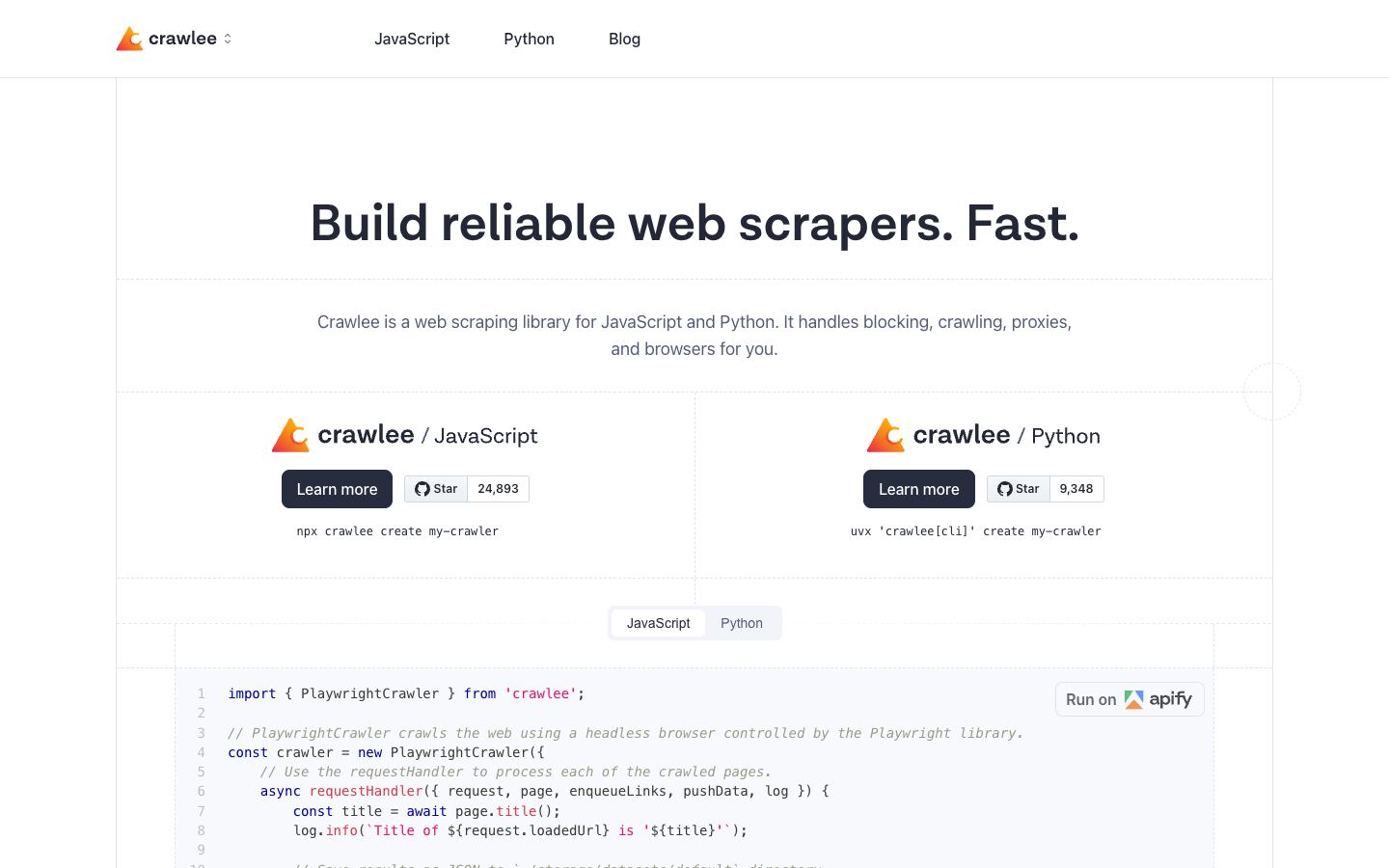
Is Crawlee open source?
Yes. Crawlee is an open-source library maintained by Apify, available for Node.js in JavaScript and TypeScript, with a separate Python version. It is free to use, and you can read or fork the source on GitHub. There is no paid tier for the library itself. Apify also sells a cloud platform that Crawlee can deploy to, but the platform is not required to run it.
How much does Crawlee cost?
The Crawlee library is free. You install it and run it on your own machines at no licensing cost. The only spending comes from infrastructure you choose, such as servers or proxies, or from optionally deploying to the Apify cloud platform, which is billed separately. Running Crawlee on its own carries no subscription or per-request fee.
Does Crawlee render JavaScript?
Yes. Crawlee wraps Playwright and Puppeteer through its browser crawler classes, so it can drive a headless or headful browser to render JavaScript-heavy pages. It also offers lighter HTTP and Cheerio crawlers for static pages where a full browser is unnecessary. You pick the crawler type per job, trading speed against the need to execute client-side scripts.
Can Crawlee be self-hosted?
Yes. Crawlee runs on your own infrastructure, including local machines, your own servers, or cloud functions like AWS Lambda. Self-hosting is the default mode and works without any Apify account. The documentation does point toward Apify's cloud platform for managed deployment and scaling, but that route is optional rather than a requirement for running crawlers.
How does Crawlee compare to Scrapy?
Both handle queue management, rate limiting, and structured data export. Scrapy is Python-only and has a larger community and a wider ecosystem of plugins. Crawlee is TypeScript-first with a Python version, and it integrates browser automation through Playwright and Puppeteer more directly, which helps on JavaScript-heavy sites. Choose Scrapy for a mature Python stack. Choose Crawlee if you want first-class browser rendering or a Node.js codebase.
What is Crawlee best used for?
Crawlee suits teams building reliable crawlers that need built-in queue management, rate limiting, and dataset export rather than wiring those pieces together by hand. It fits both static HTTP scraping and JavaScript-heavy pages through its Playwright and Puppeteer crawlers. It is a good match for TypeScript or Node.js teams, and for pipelines that feed structured data into AI and LLM workflows.