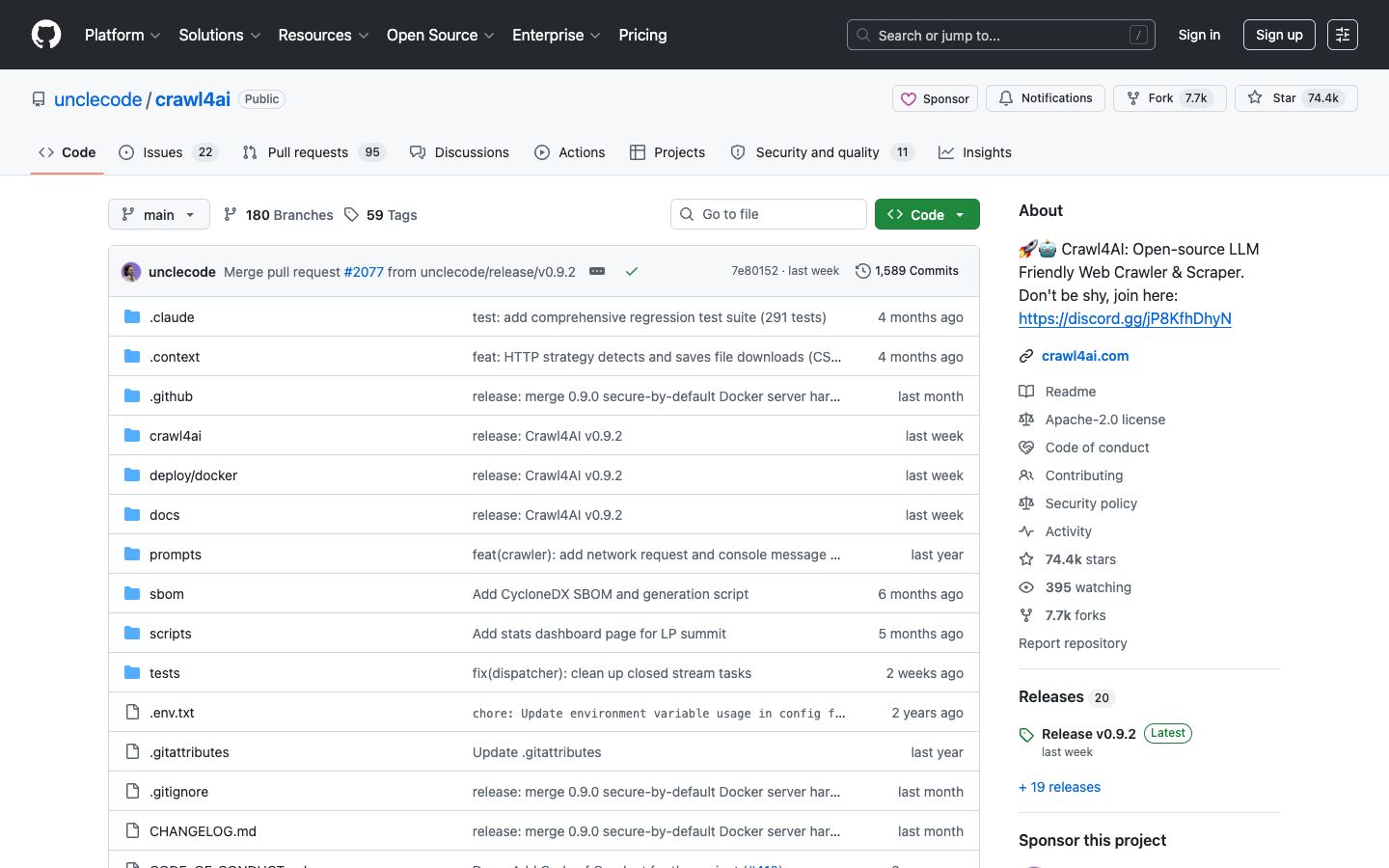
Fully open-source LLM-friendly web crawler designed for RAG and AI agents – one of the most-starred open-source crawlers on GitHub at 73K+ stars.
Our verdict
The open-source answer to Firecrawl. 73K+ GitHub stars, Apache 2.0 license, and built specifically for AI workloads – outputs clean markdown, handles JS rendering, supports structured extraction.
Now developed by a Singapore-based, Peak XV-backed startup rather than the solo maintainer it started as, which eases the old single-maintainer risk. A commercial Crawl4AI Cloud API is in closed beta, though the open-source library still means you own the infrastructure if you self-host. Community support varies.
Open source scraping frameworks give engineering teams full control over their web data pipeline. You choose where to deploy, how to scale, and what data to collect – with no vendor lock-in or per-request pricing. The trade-off is infrastructure maintenance and anti-bot engineering, which commercial APIs handle for you.
Yes. Crawl4AI is Apache 2.0 licensed and free for any use including commercial. The open-source library has no paid tier – you run it yourself via `pip install crawl4ai` or the official Docker image. A commercial Crawl4AI Cloud API is in closed beta as a separate hosted option, but the library itself stays free and self-hosted.
Crawl4AI vs Firecrawl: which is better?
Firecrawl is better when you want a managed API, SLA, dashboards, and zero ops. Crawl4AI is better when you can run your own infrastructure and want to avoid recurring SaaS spend or vendor lock-in. The output formats are comparable – both produce clean markdown ready for LLM ingestion. For prototypes start with Firecrawl; for production scale or open-source-only stacks switch to Crawl4AI.
Does Crawl4AI handle JavaScript rendering?
Yes. Crawl4AI ships with Playwright under the hood, so single-page apps and JS-heavy sites render correctly by default. You can configure wait strategies, custom user agents, and JS execution before extraction. For anti-bot-protected sites, you'll need to BYO proxies and stealth plugins – Crawl4AI doesn't include managed proxy rotation.
How do I install Crawl4AI?
Run `pip install crawl4ai` then `crawl4ai-setup` to install Playwright browsers. Basic usage is `from crawl4ai import AsyncWebCrawler; async with AsyncWebCrawler() as crawler: result = await crawler.arun('https://example.com'); print(result.markdown)`. The official quickstart at github.com/unclecode/crawl4ai covers Docker, structured extraction, and AI-driven selectors.