Is Playwright free to use?
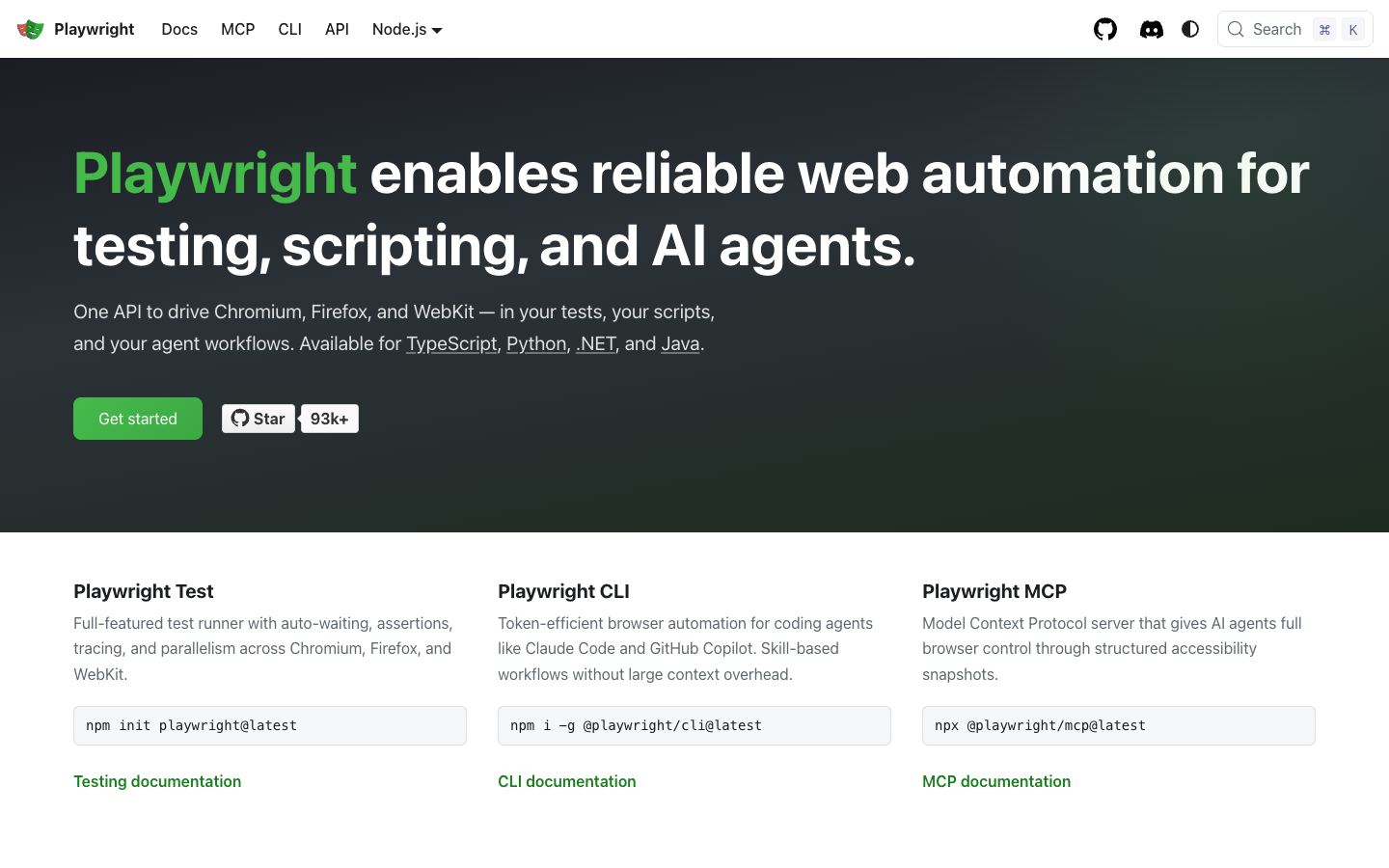
Yes. Playwright is free and carries no licensing cost. It is an open-source library from Microsoft, released under the Apache 2.0 license, so you can install it through npm or pip and run it without a paid plan or per-request billing. The only costs you take on are the compute and proxies you supply, since you run the browsers on your own infrastructure rather than a hosted service.
Is Playwright open source?
Yes. Playwright is open source, maintained by Microsoft on GitHub in the microsoft/playwright repository, with a large contributor base and frequent releases. The source for the library and its bundled browser builds is public. Microsoft backing matters to buyers worried about long-term maintenance, since the project ships regular updates and keeps its bundled Chromium, Firefox, and WebKit versions current.
Can Playwright render JavaScript-heavy sites?
Yes. Playwright drives real browser engines, so it runs JavaScript, single-page apps, and dynamically loaded content the way a normal browser would. It supports Chromium, Firefox, and WebKit through one API, with auto-waiting for elements and network interception built in. For teams scraping client-rendered dashboards or pages that hydrate content after load, this is where Playwright is stronger than a plain HTTP fetcher.
Can Playwright be self-hosted?
Yes, and self-hosting is the default model. Playwright is a library you run on your own machines or containers, not a managed cloud service, so you decide where browsers execute and which proxies they use. There is no vendor endpoint to depend on. You handle scaling, browser pools, and infrastructure yourself, which gives full control but means more operational work than a hosted scraping API.
How does Playwright compare to Puppeteer?
Both are open-source libraries that control real browsers. Puppeteer, from Google, focuses on Chromium and Firefox. Playwright adds WebKit and a single cross-browser API, plus auto-waiting and language bindings beyond JavaScript. If you only need Chromium, Puppeteer is lighter and well established. If you want one tool that also covers Safari's engine and several languages, Playwright is the wider choice.
When should I choose Playwright versus Crawlee or Scrapy?
Playwright is browser automation, not a full scraping framework. You write the extraction logic yourself, and it has no built-in crawling, rate limiting, or data pipelines. Reach for Playwright when you need to render JS-heavy pages or automate browser interactions. For production crawling at scale, pair it with a framework like Crawlee or Scrapy, which add queueing, retries, and structured data handling on top of the browser layer.