Is Puppeteer free and open source?
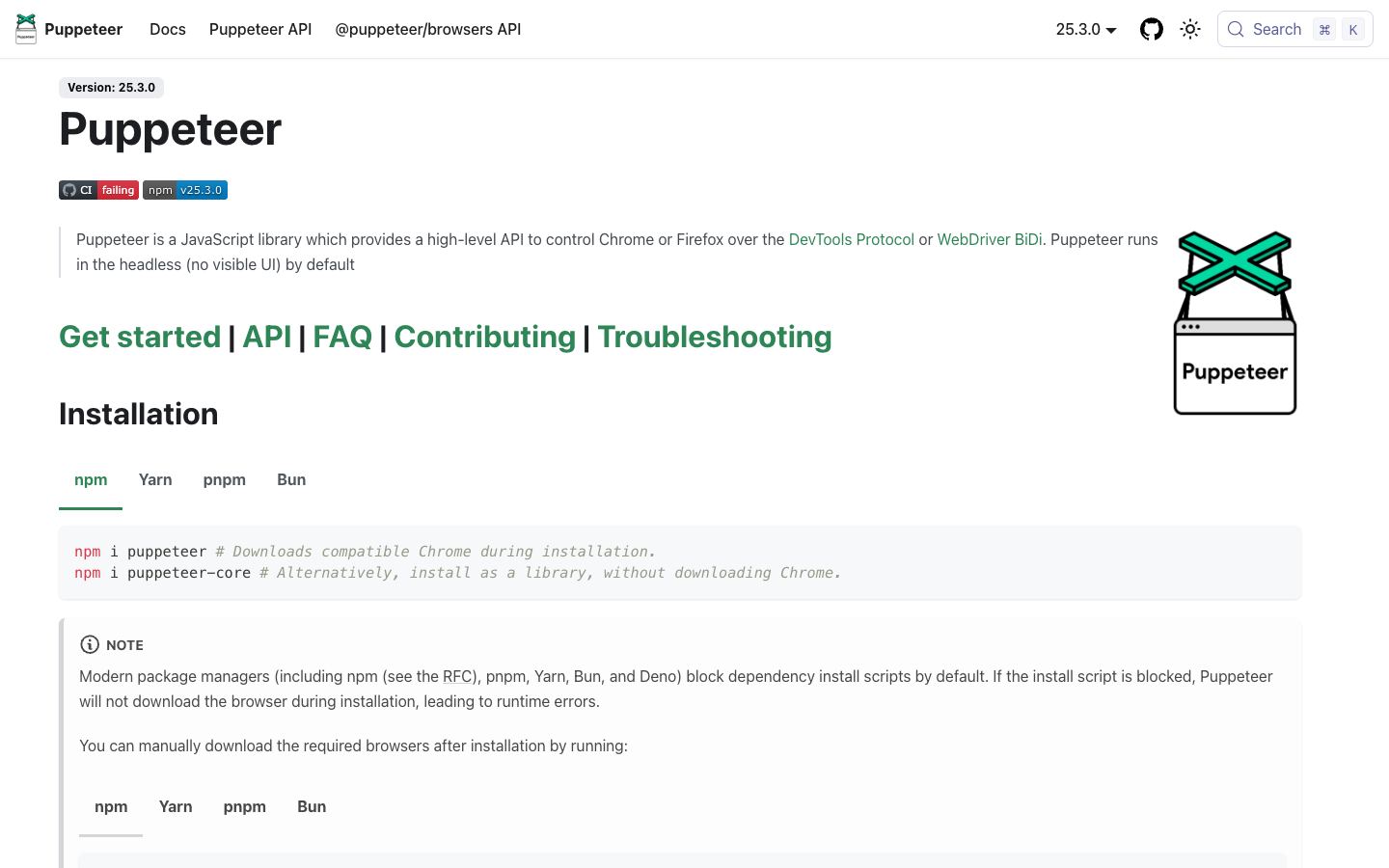
Yes. Puppeteer is a free, open-source Node.js library maintained by Google's Chrome team and published on npm under the Apache 2.0 license. There is no paid tier or commercial plan, and the full feature set is available to everyone. Your only real cost is the infrastructure you run it on, since you operate the browsers yourself instead of calling a hosted service.
Can Puppeteer be self-hosted?
Yes. Puppeteer is a library you install into your own Node.js project and run on your own machines or servers. The maintainers offer no managed cloud service, so you control the Chromium binary, the runtime, and any proxy or scaling layer. That model gives you full control, but you handle browser provisioning, memory, and anti-bot evasion yourself rather than offloading them to a vendor.
Does Puppeteer render JavaScript-heavy pages?
Yes. Puppeteer drives a real Chrome or Chromium instance over the Chrome DevTools Protocol, so it executes JavaScript and single-page apps the way a browser does. You can wait for selectors, intercept network requests, and capture the rendered DOM, screenshots, or PDFs. Recent versions added stable Firefox support via the WebDriver BiDi protocol, but Chrome and Chromium remain its primary and most reliable target.
What is the best alternative to Puppeteer?
Playwright is the most common alternative, and the one we suggest most new projects default to. It supports Chromium, Firefox, and WebKit, adds auto-waiting, and has a cleaner API, where Puppeteer is effectively Chrome-first. Pick Puppeteer if you only target Chrome and want the tightest DevTools Protocol integration or earliest access to new Chrome features. For multi-browser work, Playwright is the stronger starting point.
What is Puppeteer best used for?
Puppeteer fits teams already in the Node.js ecosystem that need programmatic control of Chrome. Common uses are scraping JavaScript-rendered pages, generating PDFs and screenshots, automating form flows, and running end-to-end UI tests. It works well when Chrome is your only target and you want direct DevTools Protocol access. It is less ideal when you need broad cross-browser coverage or a managed service that handles proxies and anti-bot defenses for you.