How much does Webclaw cost?
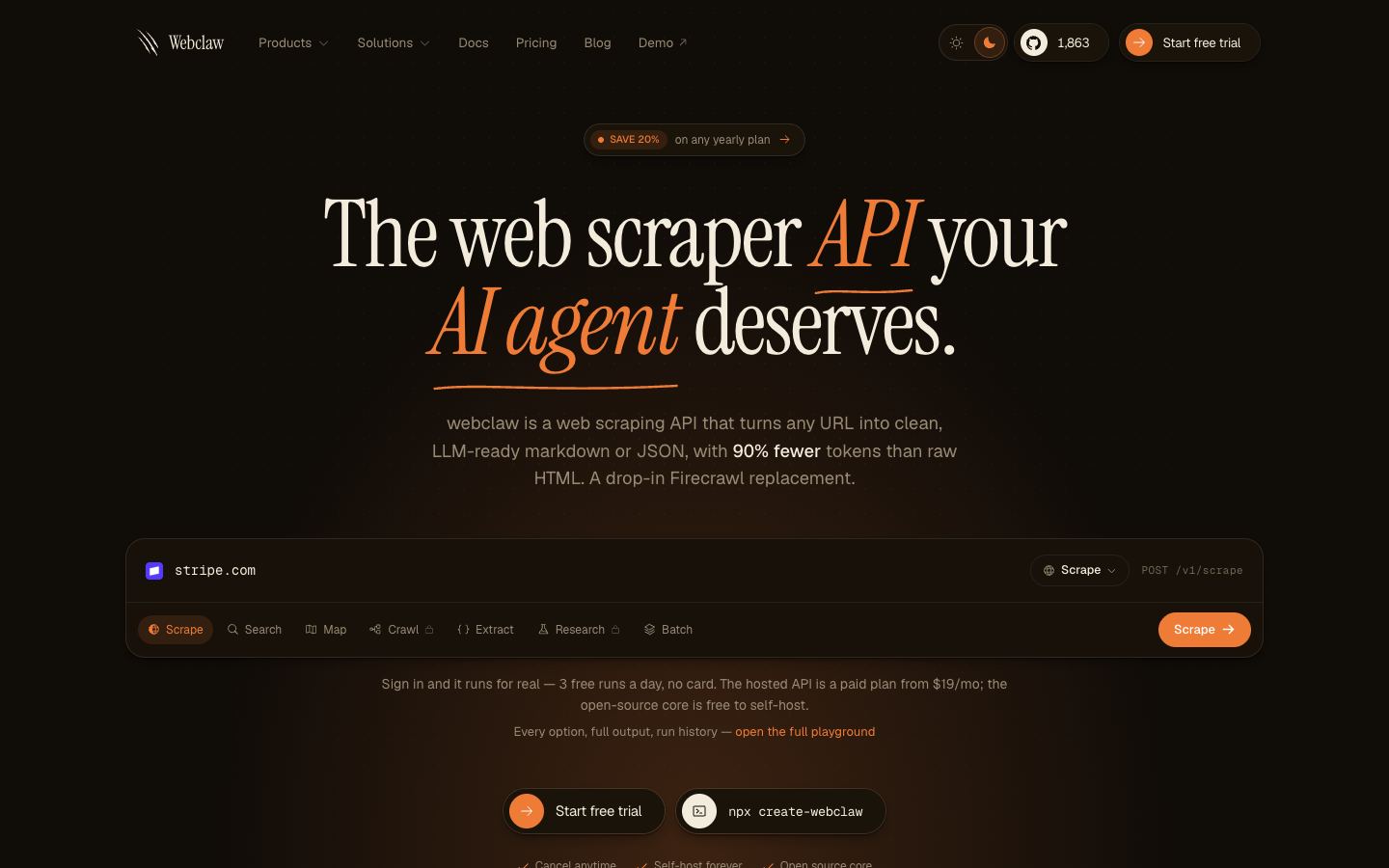
Webclaw uses a freemium model. The hosted API at webclaw.io has paid plans alongside a free entry point, and because the engine is open source under AGPL-3.0 you can self-host it on your own hardware and skip the hosted pricing entirely. Exact tier prices are not listed here, so check the pricing section on webclaw.io for current numbers before you budget.
Is Webclaw open source?
Yes. Webclaw is open source under the AGPL-3.0 license. The CLI, REST API, extraction engine, and a 12-tool MCP server all live in the public repository. The AGPL copyleft terms require that network-deployed modifications be shared back, which matters if you plan to build Webclaw into a hosted product of your own. The maintainers also run a managed hosted API at webclaw.io for teams that prefer not to operate it themselves.
Can Webclaw be self-hosted?
Yes. Webclaw is built in Rust and can run the extraction engine and MCP server on your own infrastructure. Self-hosting keeps scraped data in your environment and avoids the limits of the hosted plans. Keep the AGPL-3.0 obligations in mind if you expose a self-hosted instance over a network as part of a service you offer to others.
Does Webclaw render JavaScript?
Yes, when a page needs it. Webclaw fetches over HTTP with TLS fingerprint impersonation first, which keeps static pages lightweight and fast, and escalates to a headless browser only for JavaScript-heavy sites like SPAs built with React or Next.js. That adaptive model aims to deliver browser rendering where it matters without paying the overhead on every request.
How does Webclaw compare to Firecrawl?
Webclaw positions itself as a faster, Rust-based Firecrawl alternative with drop-in v2 API compatibility, so you can swap the base URL and keep your existing SDK. The main difference is rendering strategy: Webclaw fetches over raw HTTP first and only spins up a browser when a page needs it, while Firecrawl renders through a headless browser by default. Firecrawl is also more mature, with a larger community. Pick Webclaw for lower latency and self-hosting, Firecrawl for a settled ecosystem.
What is Webclaw best used for?
Webclaw fits teams feeding LLMs or RAG pipelines that need clean markdown or structured output with low latency. The 12-tool MCP server connects to agent clients like Claude, Cursor, and Windsurf, and Firecrawl v2 compatibility makes it easy to test against an existing setup. At around 1,800 GitHub stars and v0.6.x it is early-stage, so treat it as worth evaluating for speed-sensitive or self-hosted extraction rather than a settled production default.