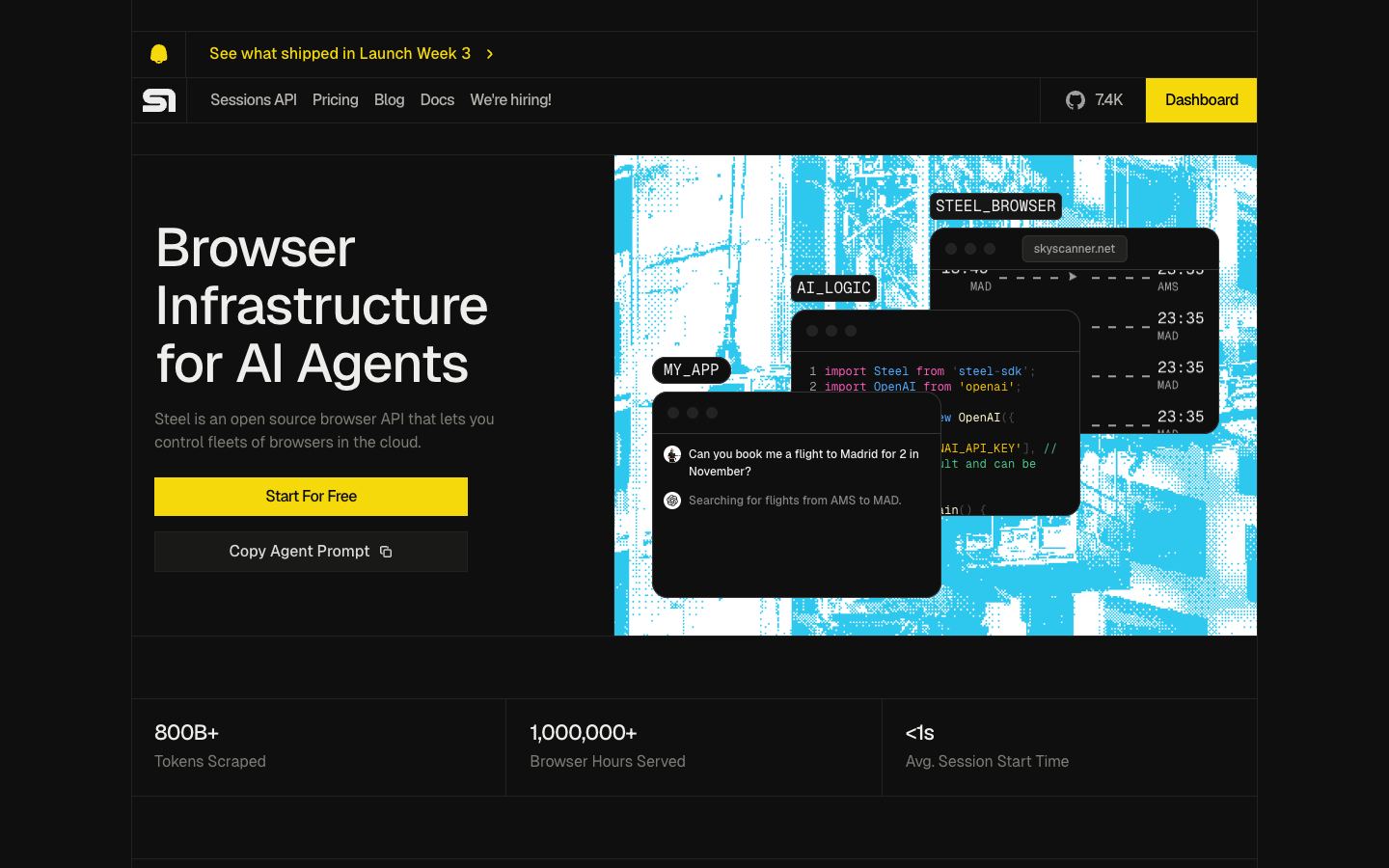
Is Steel.dev open source?
Yes. The Steel Browser core is open source under the Apache 2.0 license, so you can read the runtime, modify it, and run it yourself with no licensing fee. Steel also sells a managed cloud service built on the same core. That openness is the main thing separating it from closed competitors like Browserbase, whose runtime is not published. The project had roughly 7,400 GitHub stars at last check.
How much does Steel.dev cost?
Steel.dev is freemium. There is a free tier with a monthly allowance of browser hours, which is enough to prototype an agent before you pay anything. Paid cloud plans bill against monthly credits that cover browser hours, proxy bandwidth, and captcha solves, and enterprise pricing is custom. Self-hosting the open-source core avoids these fees, leaving only your own infrastructure costs. Check the pricing page for current tier amounts.
Can you self-host Steel.dev?
Yes. Because the browser runtime is open source, you can run Steel.dev on your own servers, typically via Docker with docker-compose on a VPS. Self-hosting removes per-hour cloud billing and keeps session data inside your own environment. The tradeoff is that you operate the infrastructure yourself. If you would rather not, the hosted cloud service gives you the same API without running any browsers.
What does Steel.dev do?
Steel.dev is browser infrastructure for AI agents and scraping. It runs headless Chromium sessions in the cloud or self-hosted, renders JavaScript-heavy pages, and exposes a Sessions API for multi-step automation with session reuse and stealth options. It can return cleaned, structured page content instead of raw HTML, which the project says cuts the tokens you feed an LLM by around 80 percent. It also hosts the WebVoyager agent leaderboard.
How does Steel.dev compare to Browserbase?
Both run cloud browsers for agents. The core difference is openness. Steel.dev publishes its runtime and lets you self-host, while Browserbase is closed and cloud-only. Browserbase is more agent-framework-aware, with native ties to its Stagehand framework and a longer production track record. Steel.dev gives you the self-host escape hatch and a free tier to start on. Pick Browserbase for maturity and framework integration. Pick Steel.dev if you want to inspect or run the infrastructure yourself.
When should you choose Steel.dev over its alternatives?
Choose Steel.dev when self-hosting or auditing the browser runtime matters, since alternatives like Browserbase are closed-source and cloud-only. It suits teams comfortable with Docker who want to avoid per-hour cloud fees, and its token-reduction output helps when LLM costs dominate. Consider Browserbase instead for deeper agent-framework integration and a longer production history, or Lightpanda if you need a lighter, lower-resource headless browser rather than a full session platform.