How much does Anchor Browser cost?
Anchor Browser is a paid product with usage-based billing layered under subscription tiers. It charges for the underlying infrastructure your agents consume, such as browser runtime and proxy data, rather than a flat per-seat fee. It offers a free tier with $5 in monthly credits, plus self-serve Starter ($50/mo), Team ($500/mo), and Growth ($2,000/mo) plans, with custom enterprise pricing above that. Check the official pricing page for current rates, since the per-use figures change over time.
Is Anchor Browser open source?
No. Anchor Browser is a closed-source, cloud-hosted commercial product. You cannot read or fork its code. You reach it through its hosted API and Model Context Protocol integration instead of running anything yourself. If an auditable codebase you can modify is a hard requirement, an open browser-automation library is a better fit, though it will not include Anchor's managed anti-bot infrastructure.
Can you self-host Anchor Browser?
No. Anchor Browser runs only as managed cloud infrastructure. There is no on-premise build you install on your own machines. Your agents connect to its hosted browsers over the network. Teams with strict data-residency rules should weigh that against not having to manage a browser fleet, or talk to the company directly about isolation and compliance arrangements at the enterprise level.
What is Anchor Browser's main capability?
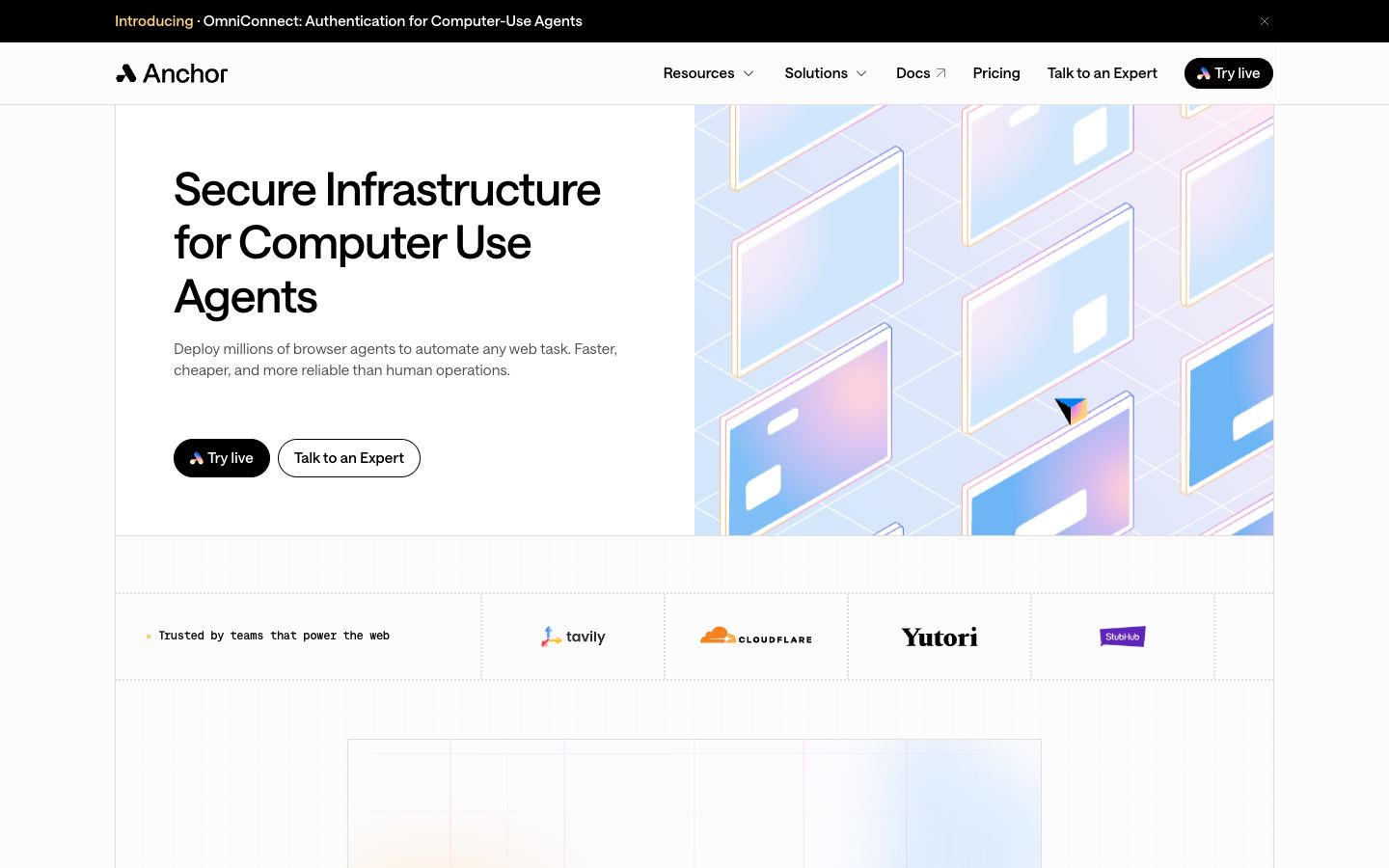
Anchor Browser runs full cloud Chromium sessions for AI agents. It renders JavaScript-heavy pages, handles authenticated logins, and returns structured output from page content. Its distinguishing claim is Cloudflare Verified Bot status, which positions it for consent-based access rather than pure evasion. It also pairs deterministic scripted steps with AI flexibility, an approach the vendor links to roughly 23x fewer errors than AI-only browsing.
How does Anchor Browser compare to Browserbase?
Both run managed cloud browsers for AI agents, with JavaScript rendering and isolated sessions. Browserbase is the broader, more established platform, with wide framework support and easy self-serve adoption. Anchor Browser leans on its Cloudflare Verified Bot partnership and its deterministic-plus-AI workflow model, aimed at enterprise reliability. Pick Browserbase for general agent infrastructure and ecosystem breadth. Consider Anchor when verified, consent-based access and predictable workflows matter most.
What are the best alternatives to Anchor Browser?
The closest alternatives are Browserbase, Airtop, and Steel.dev, all cloud browser-infrastructure tools for AI agents. Browserbase suits teams wanting a mature, widely adopted platform. Airtop focuses on natural-language browser control. Steel.dev appeals to developers who prefer an open-source-leaning, API-first option. Choose Anchor Browser specifically when its Cloudflare Verified Bot status and deterministic enterprise workflows outweigh the wider ecosystems those competitors offer.